Five security settings in iOS 12 you should change right now
- Posted on
- Comment
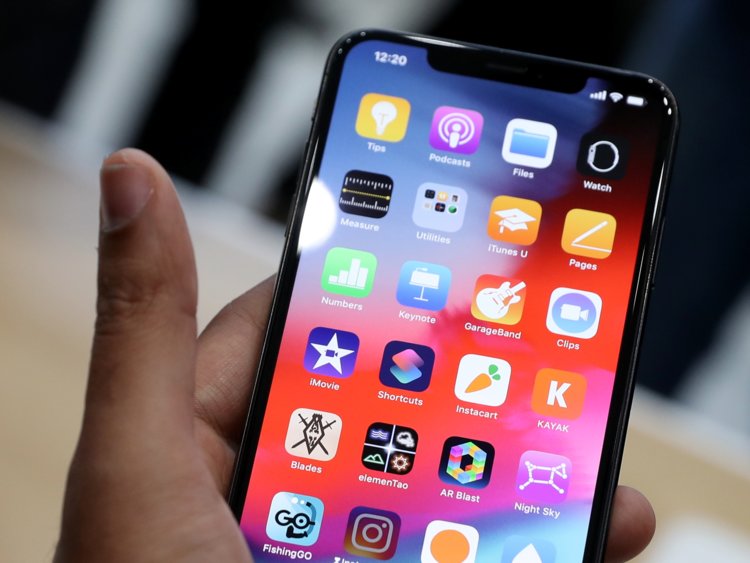
iOS 12, Apple’s latest mobile software for iPhone and iPad, is finally out. The new software packs in a bunch of new security and privacy features you’ve probably already heard about.
Here’s what you need to do to take advantage of the new settings and lock down your device.
1. Turn on USB Restricted Mode to make hacking more difficult
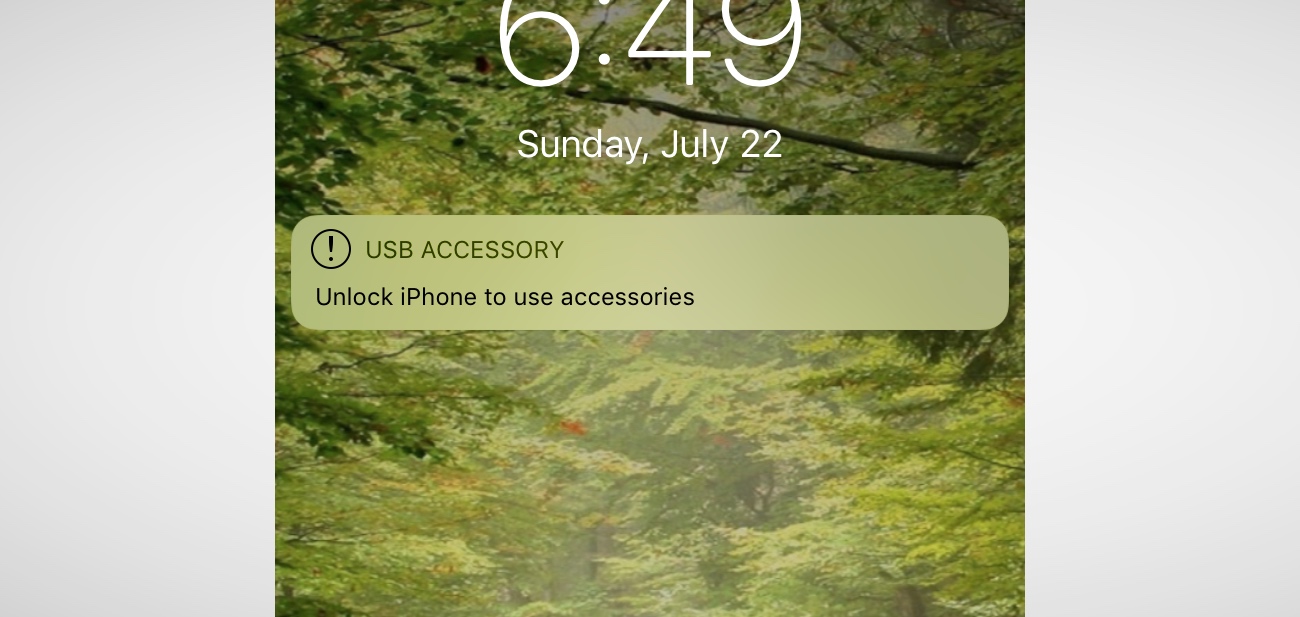
This difficult-to-find new feature prevents any accessories from connecting to your device — like USB cables and headphones — when your iPhone or iPad has been locked for more than an hour. That prevents police and hackers alike from using tools to bypass your lock screen passcode and get your data.
Go to Settings > Touch ID & Passcode and type in your passcode. Then, scroll down and ensure that USB Accessories are not permitted on the lock screen, so make sure the setting is Off. (On an iPhone X, check your Face ID settings instead.)
2. Make sure automatic iOS updates are turned on
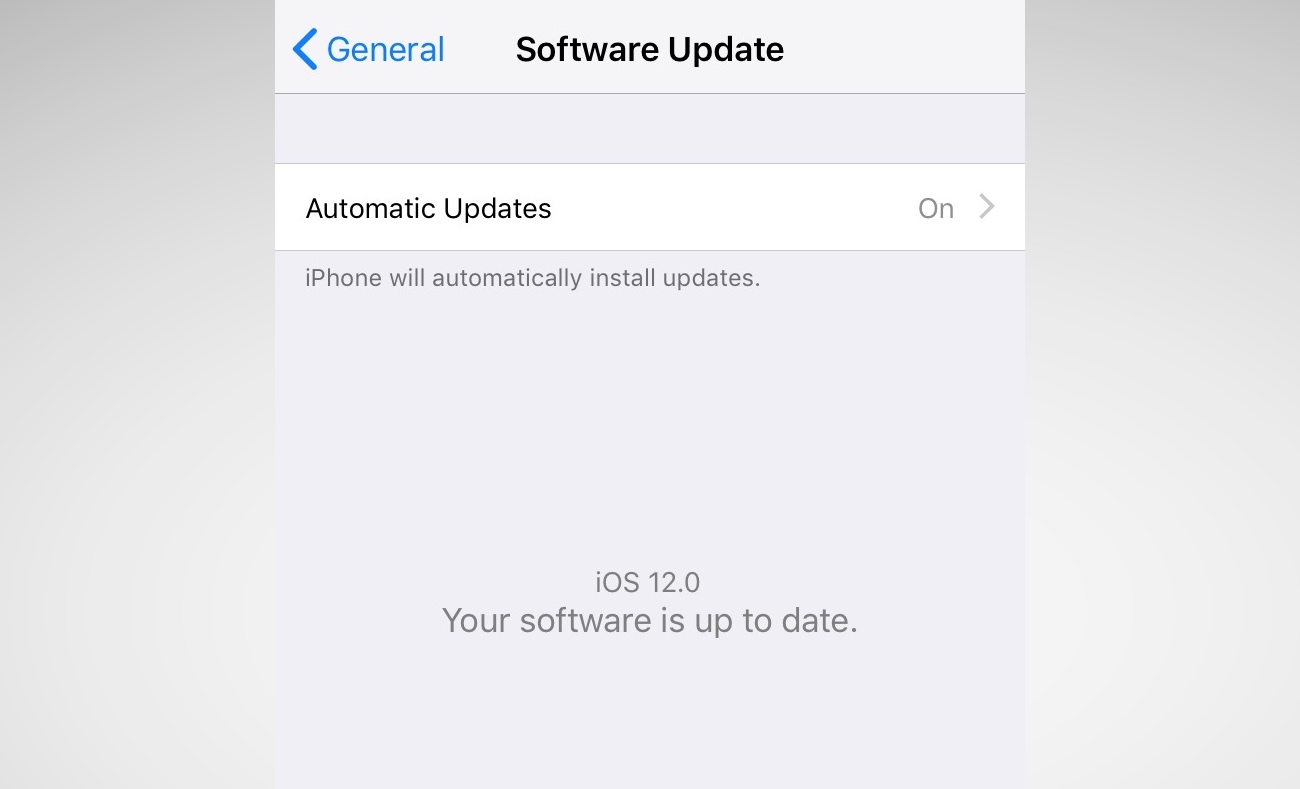
Every time your iPhone or iPad updates, it comes with a slew of security patches to prevent crashes or data theft. Yet, how often do you update your phone? Most don’t bother unless it’s a major update. Now, iOS 12 will update your device behind the scenes, saving you downtime. Just make sure you switch it on.
Go to Settings > General > Software Update and turn on automatic updates.
3. Set a stronger device passcode

iOS has gotten better in recent years with passcodes. For years, it was a four-digit code by default, and now it’s six-digits. That makes it far more difficult to run through every combination — known as brute-forcing.
But did you know that you can set a number-only code of any length? Eight-digits, twelve — even more — and it keeps the number keypad on the lock screen so you don’t have to fiddle around with the keyboard.
Go to Settings > Touch ID & Passcode and enter your passcode. Then, go to Change password and, from the options, set a Custom Numeric Code.
4. Now, switch on two-factor authentication
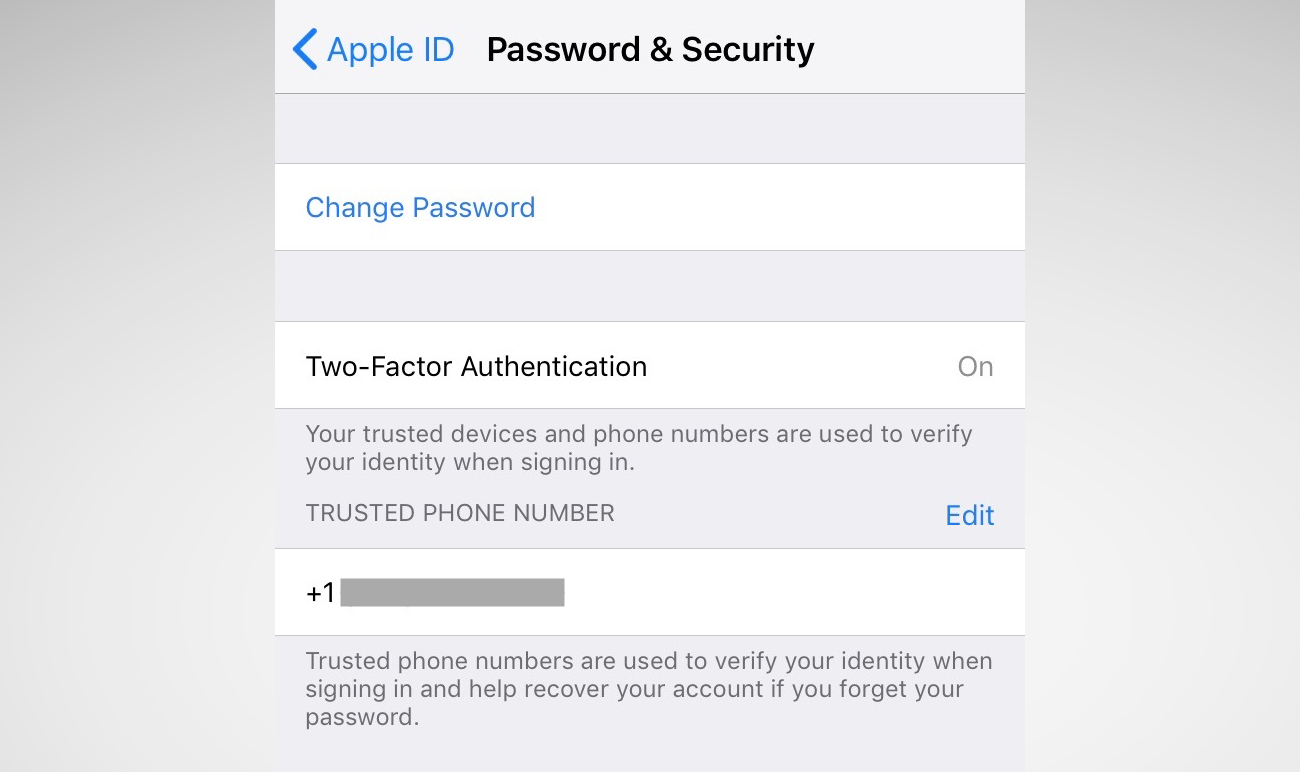
Two-factor is one of the best ways to keep your account safe. If someone steals your password, they still need your phone to break into your account. For years, two-factor has been cumbersome and annoying. Now, iOS 12 has a new feature that auto-fills the code, so it takes the frustration step out of the equation — so you have no excuse.
You may be asked to switch on two-factor when you set up your phone. You can also go to Settings and tap your name, then go to Password & Security. Just tap Turn on Two-Factor Authentication and follow the prompts.
5. While you’re here… change your reused passwords
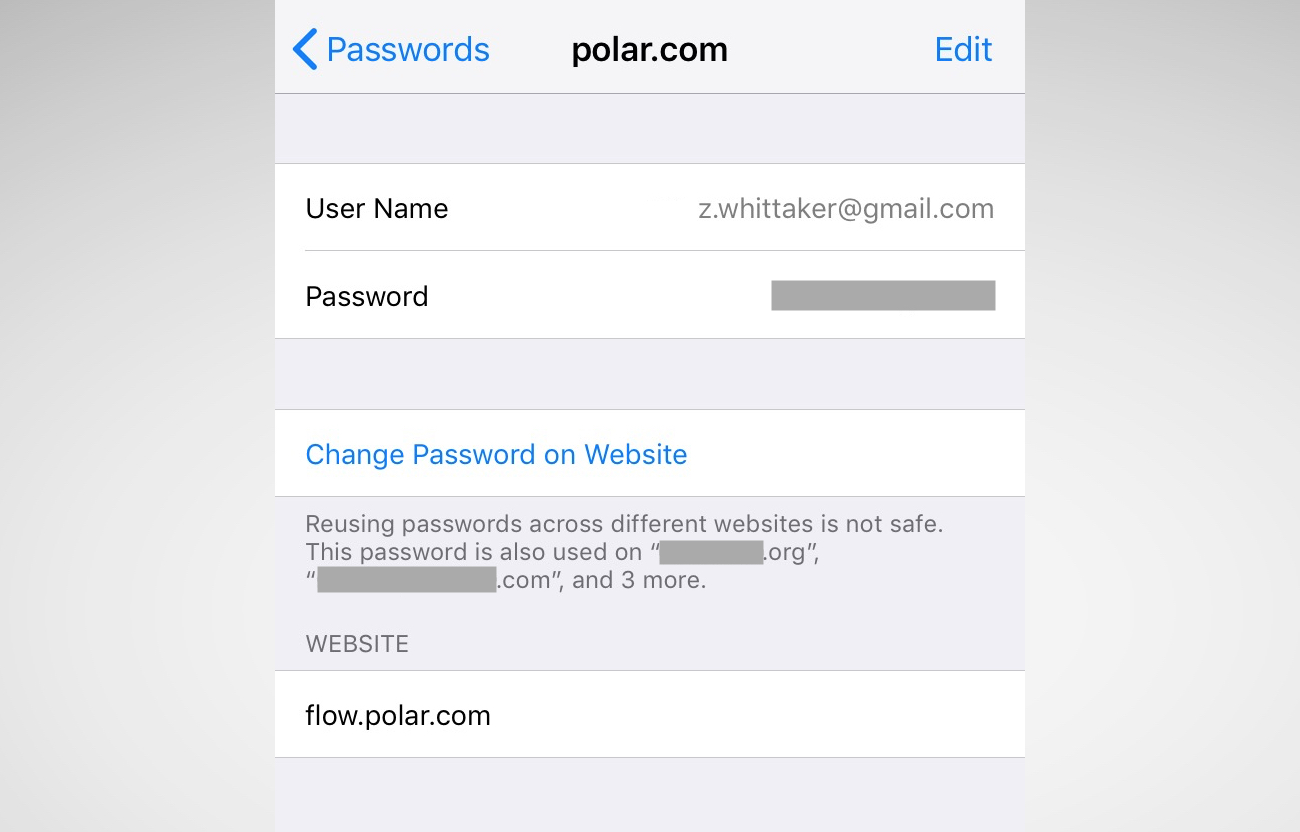
iOS 12’s password manager has a new feature: password auditing. If it finds you’ve used the same password on multiple sites, it will warn you and advise you to change those passwords. It prevents password reuse attacks (known as “credential stuffing“) that hackers use to break into multiple sites and services using the same username and password.
Go to Settings > Passwords & Accounts > Website & App Passwords and enter your passcode. You’ll see a small warning symbol next to each account that recognizes a reused password. One tap of the Change Password on Website button and you’re done.
Source: TechCrunch
ABOUT: Ellsamwise King
 [email protected]
 A Civil/Structural Engineer & Freelance Blogger, Journalist, Social Media Mogul, Digital Marketer, Entrepreneur, and Philanthropist. CEO of Skyline Consortium & 9189 Media Consult and Co-Founder of Team Sarkodie. An alumnus of Prempeh College where he read General Science. He holds a first degree in Bachelor of Science from the Kwame Nkrumah University of Science and Technology. His mentors are Alvar Alto, Rupert Murdoch, Piers Mogan, Mensa Otabil, Bernard ElBernard Nelson-Eshun. Blogs for; http://www.233times.com | www.paemuka.com | http://www.playmusicgh.com | http://www.muzikiq.com | http://www.brandsaid.biz . Social Media Manager for Eon3 Group | BrandsAid | Kings Crown Media | Carabao Africa Ghana & Africa | Calvary Temple - ICGC | Team Sarkodie | Muzik IQ | Kwaw Kese Please inquire more via Email: [email protected] | [email protected] Instagram & Twitter: @wise_tskd Facebook: Ell Samwise LinkedIn: EllSamwise King Dogbe
View all posts by: Ellsamwise King





 (Selorm) |
  (Nana Kwesi)